This robotic cat can perform lifelike behaviors with its open-source platform
Robot pets are fantastic educational toys, but most are expensive. The Petoi Nybble open-source robot is different. It teaches STEAM skills affordably.
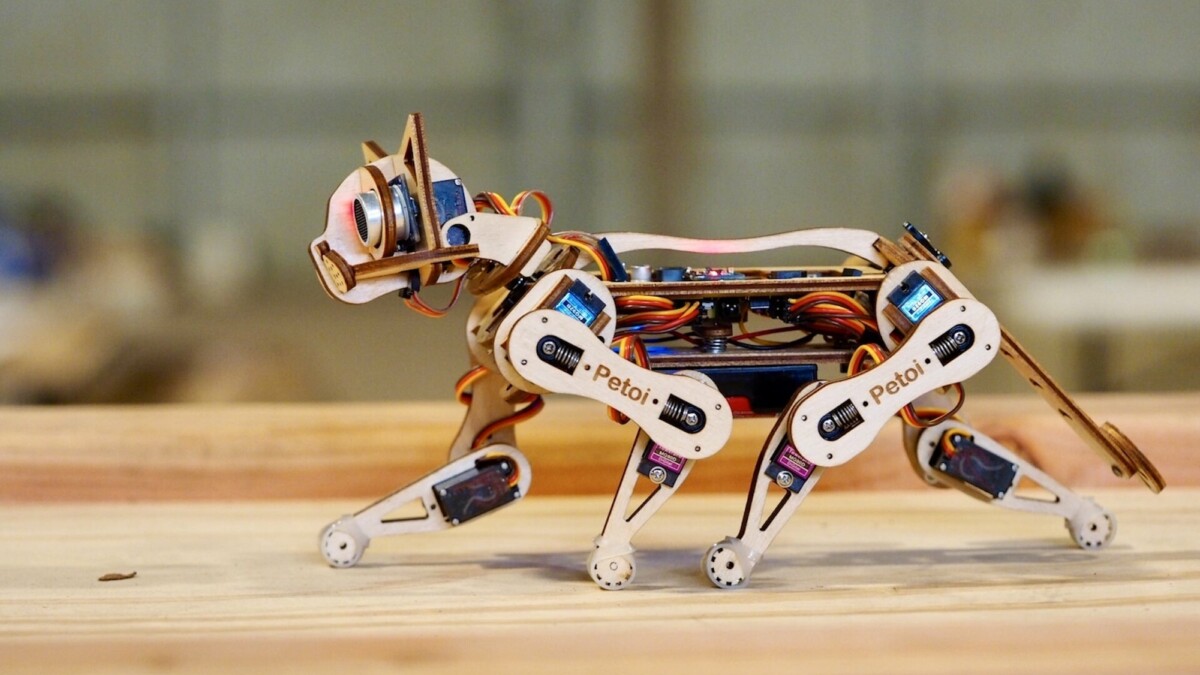
Get your child—or child at heart—a robot pet without the insane price tag with the Petoi Nybble open-source robot cat. This robotic cat learns movements similar to those performed by pricier models and is programmable in C++ and Python.
Do you or your child love assembling things and making them work? Then the Petoi Nybble makes the ideal gift. This kit has everything you need to build and train a lifelike robotic pet. It’s a project that you can work on and learn from together.
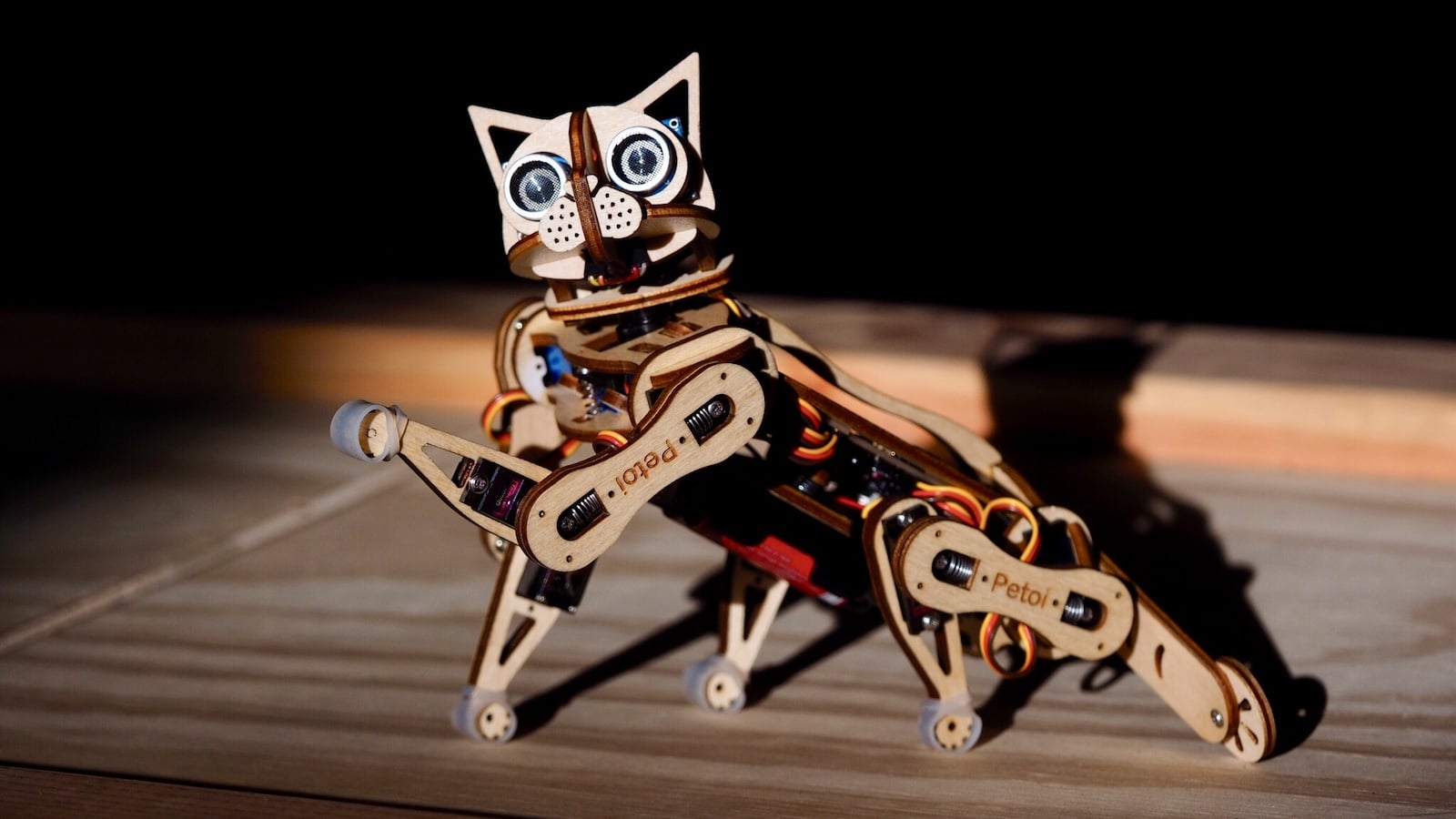
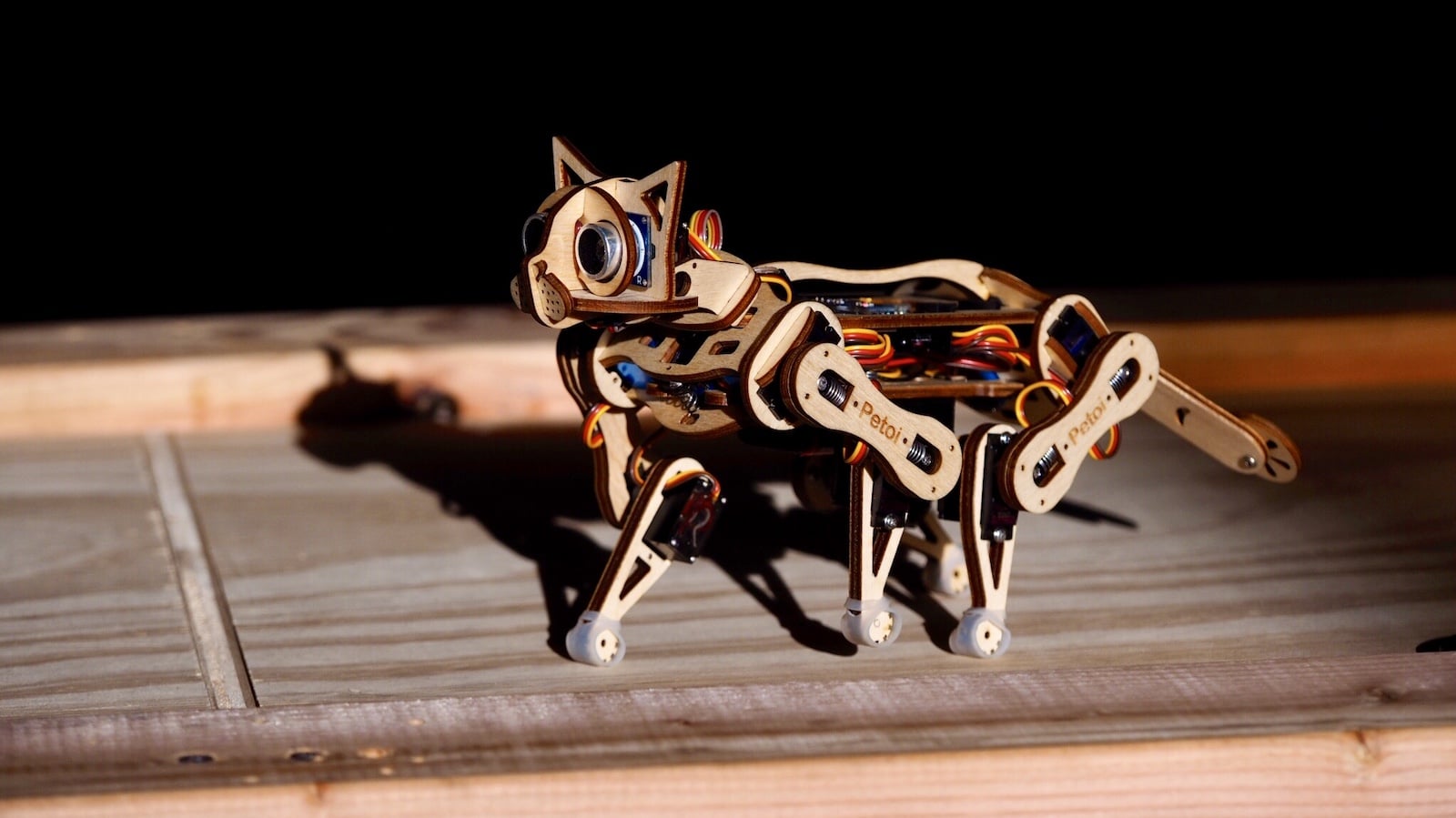
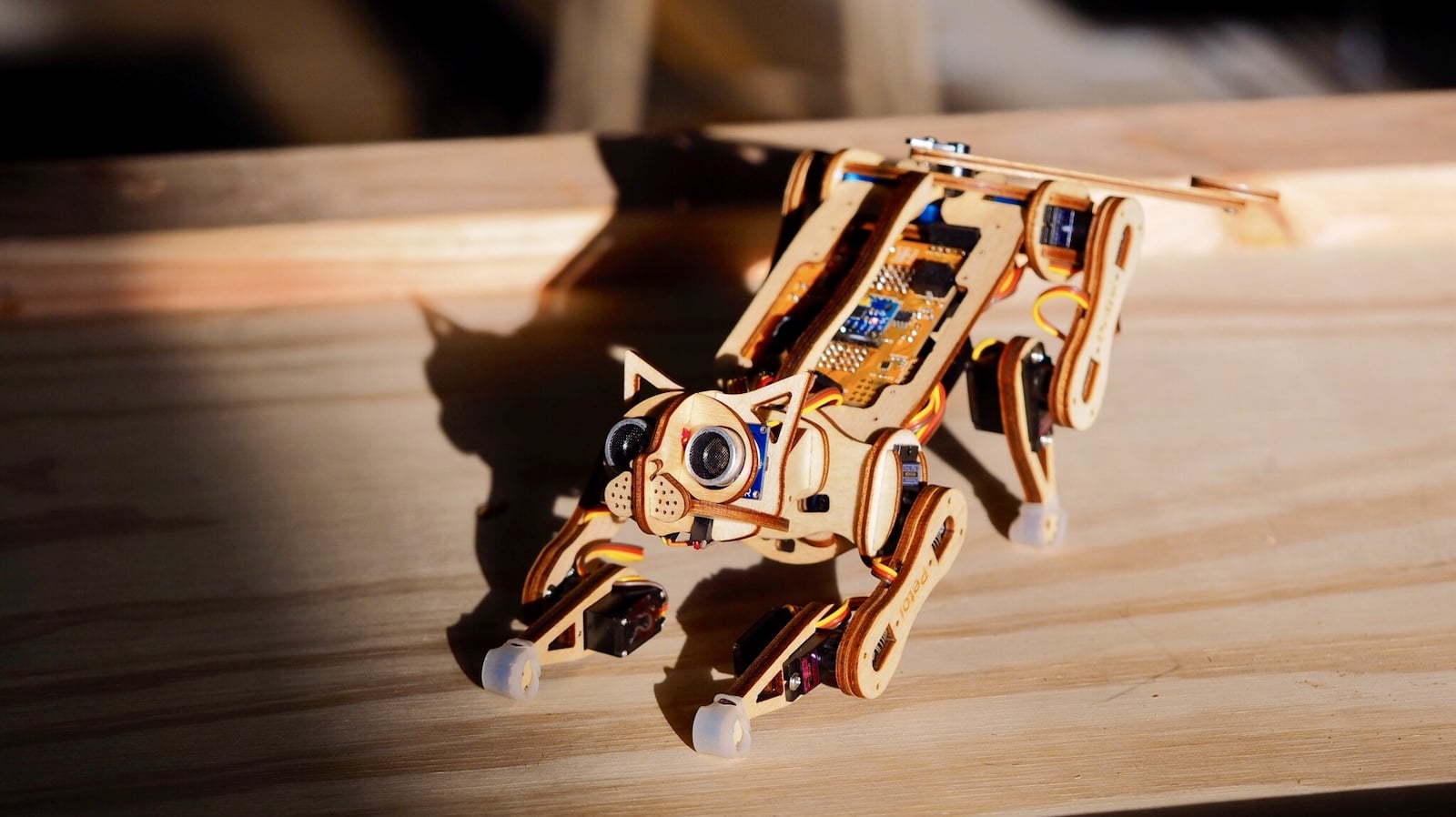
How do you build this robot pet?
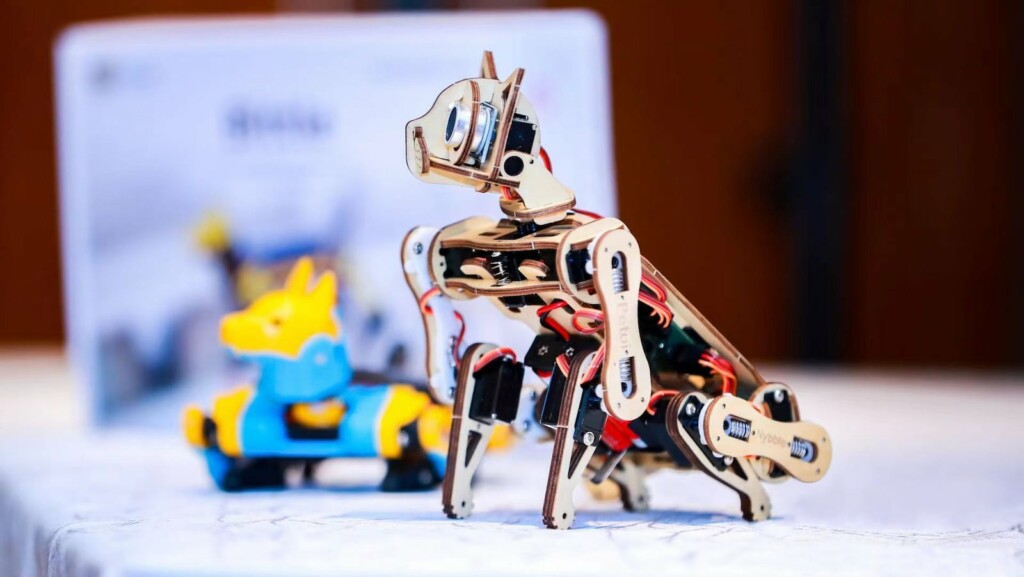
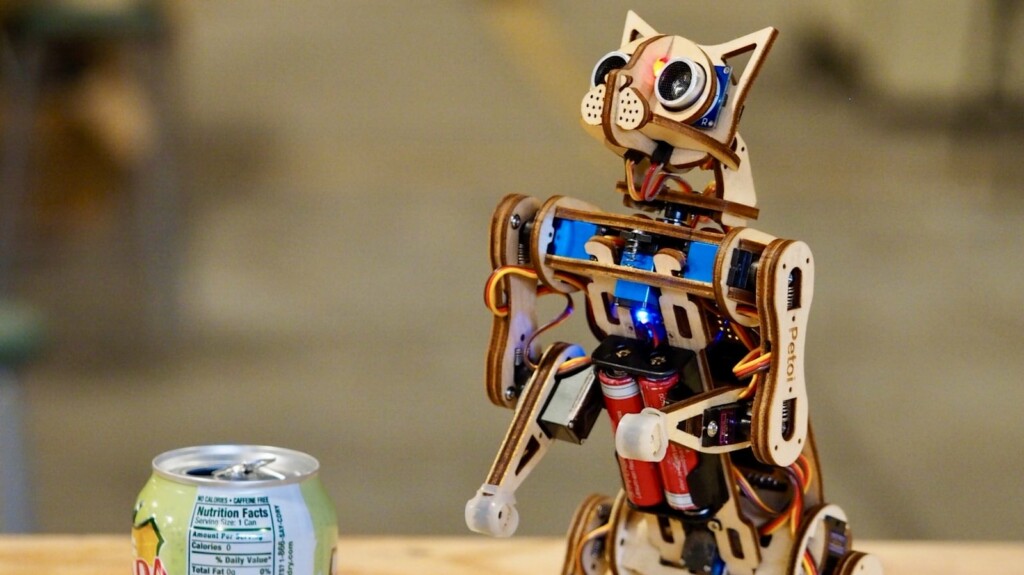
This kit comes with everything you and your child need to construct an incredibly lifelike cat robot, from the plywood frame sheets that comprise the cat’s body to an infrared remote. It also comes with a Micro USB cable, a USB programmer, Wi-Fi and Bluetooth dongles, ultrasonic sensors, and a lot more.
The company says that assembling the Petoi Nybble takes around four hours and doesn’t require any soldering. So it’s a pretty doable project for a weekend.


Do you need any other materials?
Apart from the materials in the kit, the only other components you need are two 14500 Li-ion rechargeable 3.7-volt batteries and a smart charger. They’re easy to find on Amazon.
Is the setup process beginner friendly?
After assembly, you and your child will need to learn some working operations in Arduino IDE. Otherwise, you could use the Petoi mobile/desktop app to set up the toy.
The Arduino IDE is the coding environment for programming the Petoi’s robots in C/C++. Petoi Nybble can connect to the IDE through Bluetooth or Wi-Fi. Overall, it’s a great reason to learn programming, and you’ll get to use your new skills right away.

What programming languages does this cat support?
You can code the Petoi Nybble in C-style language and drag web interfaces like Python and Scratch. The robot can also be controlled by desktop and smartphone apps.

Which microcontrollers/computers does this robotic cat support?
This robotic cat works with single-board computers like Raspberry Pi, Nvidia Jetson Nano, and micro:bit through a wired or wireless connection.
What does the Petoi Mobile app do?
The Petoi Mobile app is the official way to configure and control your Nybble. It features an easy calibration interface that helps the robot’s joints align properly.
This app is also where you can control the robot’s walking speeds and actions like push-ups, stretches, greetings, and rest. You can also add custom commands for advanced motions.
What is the Petoi Controller Desktop app?
Want to control the Petoi Nybble through a wired or Bluetooth connection? Then the Petoi Controller Desktop app is the place to go. It’s an open-source desktop app that controls and calibrates your robot pet. It supports Windows, Linux, and Mac.
How can you use this robotic cat?
The company says you can use this pet for STEM education, robotics, and AI application and research since it provides hands-on experience in these disciplines. You can also use it just for fun and playing.
What behaviors can you program?
You can program this robotic cat with several lifelike actions and maneuvers like stretching, push-ups, and rest when you work with the programming languages.
You can find detailed instructions on teaching Nybble new tricks in the supporting documents on the company’s website. Once you learn how to program it, you’ll be blown away by how lifelike this robotic cat looks.
Can you customize this codable cat?
The Pettoi Nybbl is open source, so you can develop it as you wish. Use hacks and specifications from the community. Or go your own way by creating modifications.
You can even customize the robot’s look by painting the plywood, adding craft materials, or doing whatever else strikes your fancy.
What ages is Petoi Nybble suitable for?
While you probably want to get your child started with STEM experiences as soon as possible, the Pettoi Nybble is best suited for children and adults 14 years and older. Children should be supervised by an adult during construction and play.
If you love robotics or want to learn more about it, this robotic cat is a great way to delve in. It’s a robot you bring to life, train, and adapt. And the resulting movements are so fluid and natural. You might just start feeling like you’re a researcher at Boston Dynamics. In any case, this kit is an excellent choice for an educational but fun project.
The Petoi Nybble open-source robot cat costs $238 on its official website. Have you ever built a robot pet? Tell us about it in the comments.