
ZSA Navigator: Overview
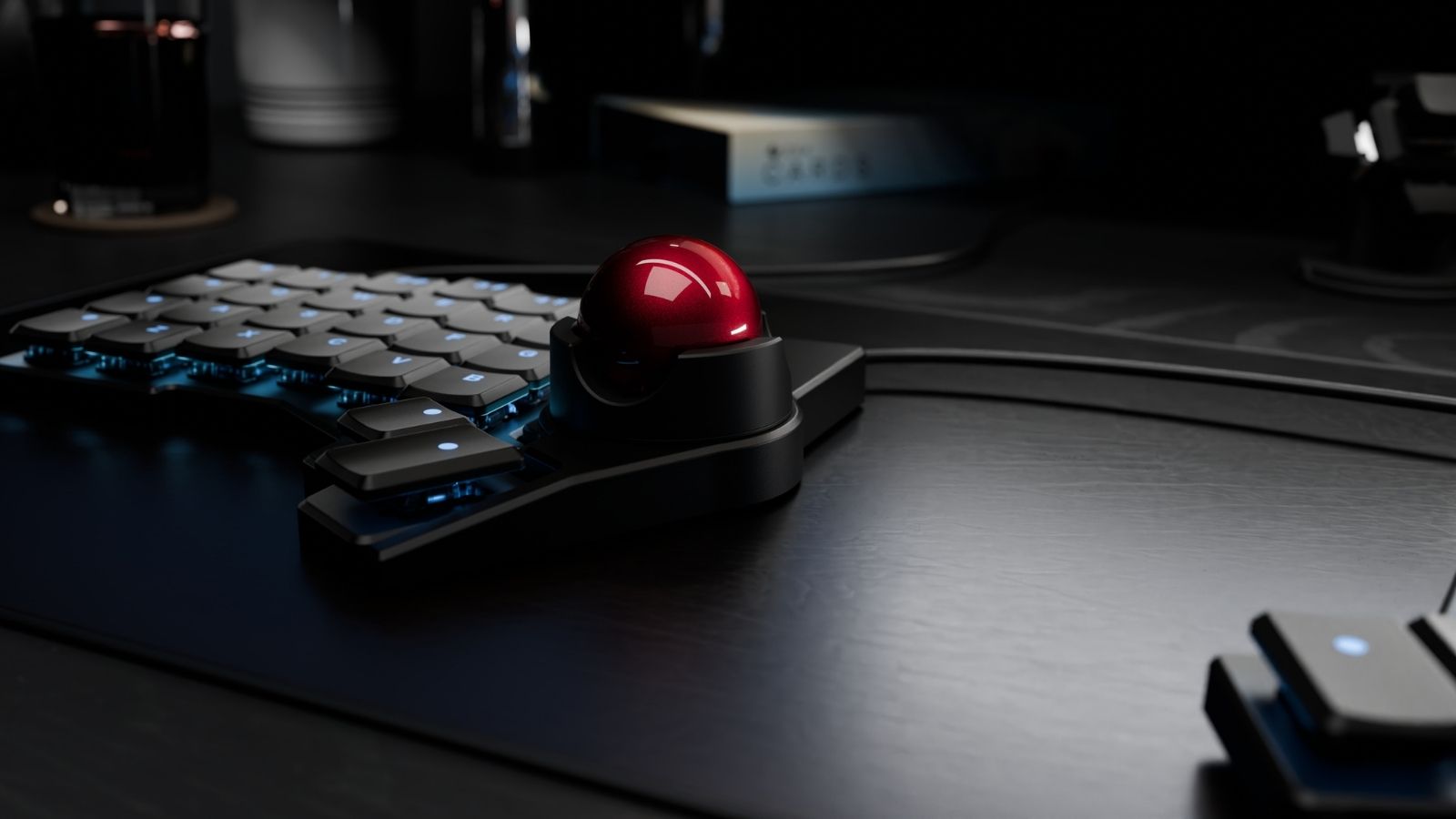
Customize cursor control around your preferences with the ZSA Navigator.
- Magnetic Snap-On Shell: Rare-earth magnets and orientation pins secure the Navigator to your Voyager. The shell stays in place, even at steep tilt angles or while suspended in the air.
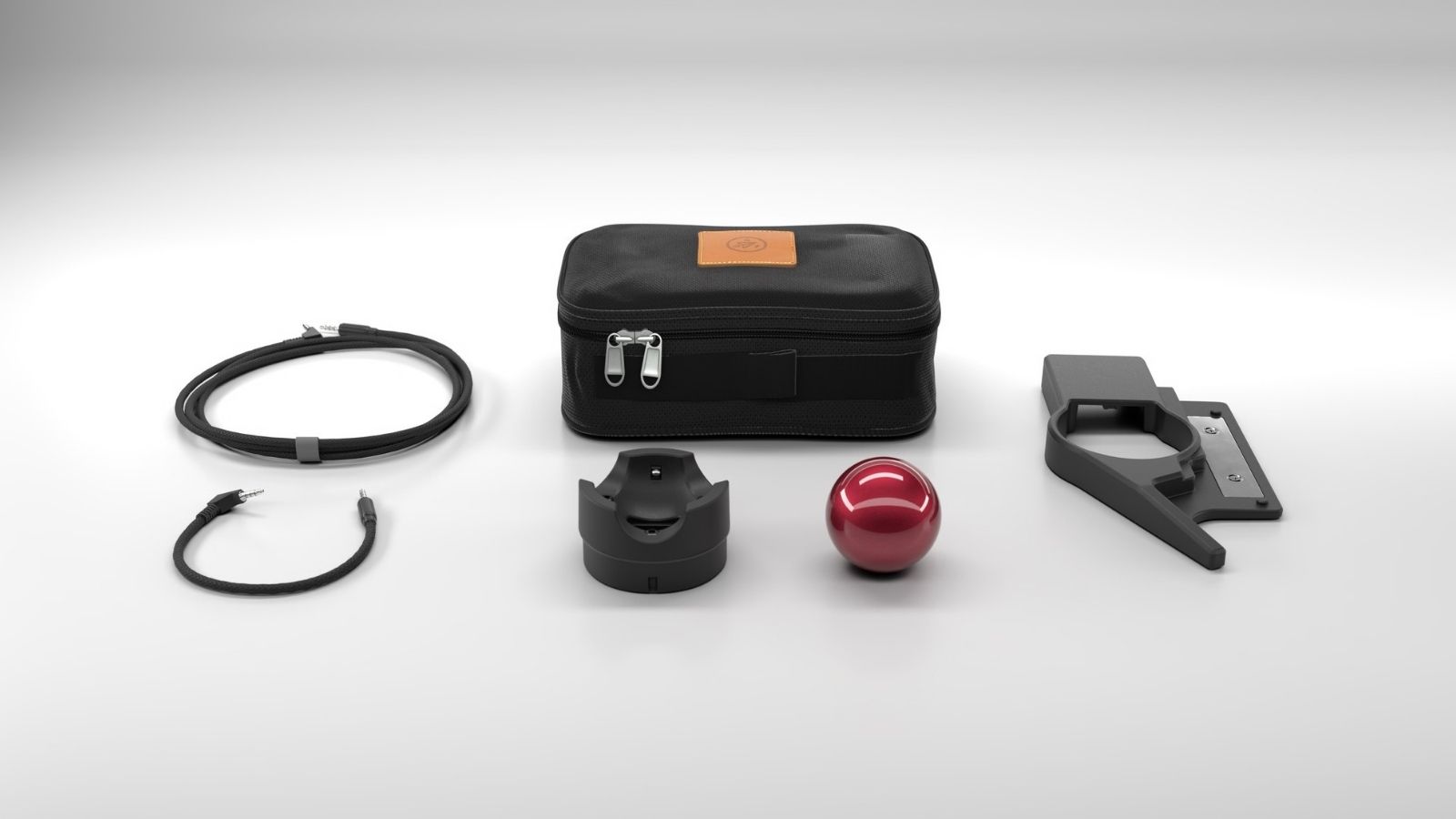
- Choose Trackball or Trackpad: The same shell fits both modules. You can switch between the 35 mm ceramic-bead trackball and the tap-to-click trackpad at any time, depending on what your work needs.
- Scroll Wheel Mode: Press or hold a key and the entire trackball becomes a large scroll wheel, letting you scroll vertically or horizontally at a controlled pace.
- Left or Right Side Mounting: Mounts on either side of the Voyager, making it one of the few pointing devices with a genuine left-hand option.
- Oryx Configuration in Three Clicks: Setup takes place inside Oryx, ZSA’s graphical configurator. Mouse buttons go wherever you want them, and the trackball supports an auto-mouse layer that activates the moment you move the ball.
If you’re a productivity-focused user who browses, codes, or manages email, you’ll find the ZSA Navigator a capable, desk-clearing replacement for a standalone mouse.
